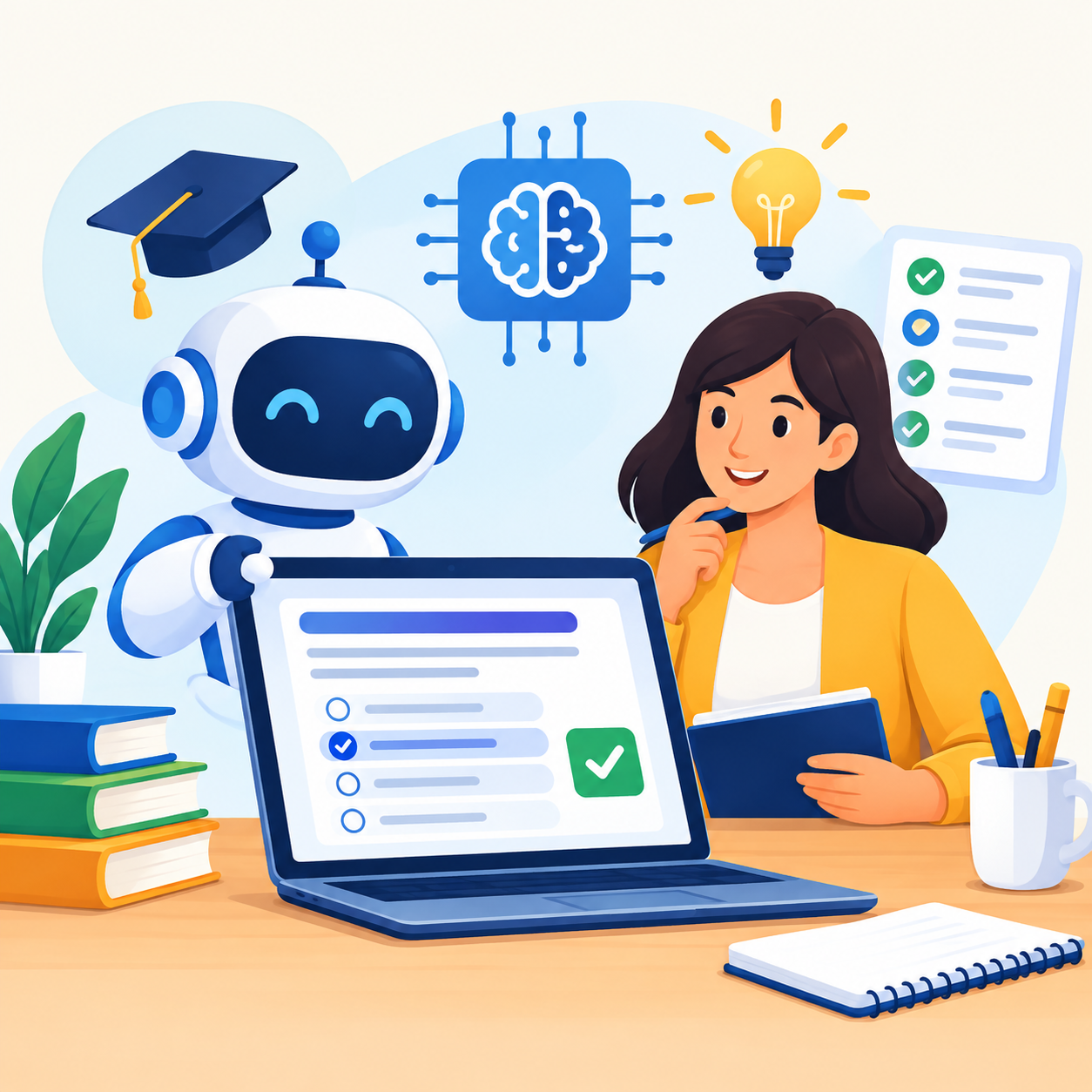
This guide walks through what an AI quiz builder actually does, how it compares to a manual quiz maker, and how to use one well so the quizzes you create actually help people learn.
Why Teachers and Trainers Need a Reliable Quiz Maker
Quizzes are not just a way to grade people. Research on learning shows that the act of recalling information — not just reading it again — is what strengthens memory. This is often called the testing effect. A 2014 review published in Frontiers in Psychology found that retrieval practice, meaning short recall tests, consistently improved long-term retention compared to simply rereading material.
Later studies on complex educational concepts confirmed the same pattern: students who took short quizzes during a course remembered more weeks later than students who only reviewed notes.
Students who took short quizzes during a course remembered significantly more weeks later than those who only reviewed notes — a pattern confirmed across multiple peer-reviewed studies on retrieval practice.
For a teacher or trainer, this means a quiz maker is not optional. It is one of the most effective tools available for helping learners actually retain what they were taught. A good quiz maker should let you:
- Create questions quickly without starting from a blank page
- Cover different question types, such as multiple choice, true or false, and short answer
- Reuse and adapt quizzes across classes or training sessions
- Track how learners perform so you can spot gaps early
The challenge is that building quizzes manually takes time most teachers and trainers do not have. That is the exact gap an AI quiz generator is built to close.
What Makes an AI Quiz Generator Different From a Manual Quiz Maker
A traditional quiz maker still requires you to write every question yourself. You choose the wording, the answer choices, and the correct answer, then format everything so it looks clean. An AI quiz generator removes most of that manual work by reading your source material and generating draft questions based on it.
In practice, the process usually works in a few clear stages:
This last step matters. An AI quiz generator is meant to speed up the first draft, not replace your judgment as the subject matter expert. The best results come from treating the AI output as a strong starting point, then reviewing it for accuracy and tone before sharing it with students or employees.
Step-by-Step: Creating a Quiz With an AI Quiz Maker
If you are trying an AI quiz maker for the first time, a simple workflow helps you get useful results faster.
This process usually takes a fraction of the time it would take to build the same quiz from scratch, while still giving you full control over the final version.
Free Quiz Generator vs Free Quiz Maker: What to Actually Look For
Many teachers search for a free quiz generator or a free quiz maker before committing to a paid plan, and that is a reasonable place to start. But not all free tools offer the same value. Before choosing one, check for the following:
| Feature to Check | Why It Matters |
|---|---|
| Question limits | Some free plans cap the number of quizzes or questions you can create per month |
| AI generation included | A basic free quiz maker may only offer manual question building, while a true free quiz generator uses AI to draft questions |
| Export and sharing options | Confirm you can share quizzes as a link, embed them, or export results |
| Answer key accuracy | Always double check that auto-generated answer keys are correct, especially on free tiers |
A free quiz generator is a good way to test whether AI-assisted question writing fits your workflow before deciding if a paid plan is worth it for your classroom or training program.
Best Practices for Building Smart Educational Content
Creating a quiz is easy. Creating one that actually improves learning takes a bit more thought. Keep these practices in mind when using any quiz generator:
Align Questions With Learning Objectives
Every question should map back to something you actually taught, not just a fact that appeared in the text. If a learner could answer correctly without attending your lesson, the question is not measuring the right thing.
Mix Question Difficulty
A mix of easy recall questions and harder application questions gives a clearer picture of understanding. A quiz where every question tests the same cognitive level tells you less than one with varied challenge.
Use Retrieval Practice Throughout the Course
Research consistently shows that spaced, low-stakes quizzes during a unit help more than a single big test at the end. An AI quiz builder makes it practical to run short checks after every lesson rather than just at assessment time.
Give Feedback, Not Just a Score
Learners retain more when they understand why an answer was right or wrong, not just whether they got it correct. The explanation is where the real learning happens.
Avoid Overly Tricky Wording
A confusing question tests reading comprehension more than subject knowledge, which defeats the purpose of the quiz. Questions should be clear enough that a learner who knows the material can answer without re-reading three times.
How Corporate Trainers Can Use an AI Quiz Generator for Onboarding and Compliance
Corporate trainers face a different challenge than classroom teachers. Onboarding material and compliance training often need to be updated regularly, and rewriting quizzes every time policy changes is a real time cost. An AI quiz generator helps in a few specific ways:
For compliance-heavy industries, AI-generated questions should always go through a human review step before being used for anything with legal or regulatory weight. Speed should never come at the cost of accuracy in these situations.
The Research Behind Why Quizzes Work
It is worth understanding why this tool matters beyond convenience. Multiple peer-reviewed studies on the testing effect have found that recalling information through a quiz strengthens memory more effectively than simply rereading the same material.
One meta-analysis found that retrieval practice produced a moderate, measurable improvement in later recall compared to restudying, and the benefit tends to grow larger as the time between the quiz and the final test increases.
In simple terms, a quiz taken today can help someone remember the material weeks or months from now — which is exactly the outcome teachers and trainers are trying to achieve.
This is also why an AI quiz builder is worth adopting even for people who already have a quiz-writing habit. The tool does not replace good teaching. It removes the time barrier that often stops teachers and trainers from quizzing as often as the research suggests they should.
Common Mistakes to Avoid When Using an AI Quiz Maker
Even a well-built AI quiz maker can produce weaker results if it is used carelessly. A few mistakes come up often enough that they are worth calling out directly.
Skipping the review step. Publishing a quiz straight after generation without reading it first is the most common mistake. A single misworded question can confuse an entire class or training group.
Feeding in content that is too broad. If the source material covers too many topics at once, the generated questions tend to be shallow. Narrower, more focused input produces sharper questions.
Ignoring question variety. Relying only on multiple choice questions makes it easy for learners to guess correctly without real understanding. Mixing in short answer or scenario-based questions gives a more honest read on comprehension.
Treating every quiz as high stakes. Research on retrieval practice specifically favors frequent, low-stakes quizzes over occasional high-pressure tests. Using a quiz generator to run short, regular checks tends to work better than one long exam at the end of a unit.
Avoiding these mistakes is usually simple once you know to look for them, and it makes the difference between a quiz that feels rushed and one that genuinely supports learning.
Frequently Asked Questions
What is an AI quiz builder and how does it work?
An AI quiz builder is a tool that automatically generates quiz questions from source material, such as a lesson, article, or training document. It analyzes the content, identifies key concepts, and drafts multiple question types with answer choices, which you can then review and edit before sharing with learners.
Is a free quiz maker good enough for classroom or training use?
A free quiz maker can work well for smaller classes or occasional training sessions, especially if it includes AI-assisted question generation. For larger groups, frequent quizzing, or detailed performance tracking, a paid plan usually offers more reliable limits and features.
How is an AI quiz generator different from tools like Kahoot or Google Forms?
Google Forms and similar tools require you to write every question manually. An AI quiz generator automates the question-writing step by analyzing your content and producing draft questions for you, which saves time while still allowing full editing control before publishing.
Can I trust AI-generated quiz questions to be accurate?
AI-generated questions should always be reviewed before use. While modern quiz generators are generally reliable for straightforward factual content, human review catches nuance, context, and subject-specific accuracy that automated tools can occasionally miss.
Conclusion
An AI quiz builder helps teachers and trainers turn existing lesson or training material into accurate, ready-to-use quizzes in a fraction of the time manual quiz writing takes. Choosing between a free quiz generator, a free quiz maker, or a paid AI quiz maker depends on how often you quiz, how large your audience is, and whether you need detailed answer tracking.
Used with a quick human review step, an AI quiz generator lets educators and trainers apply well-established retrieval practice research more consistently, without adding extra hours to their workload.
The most effective approach: use an AI quiz builder to generate the first draft quickly, review every question as the subject expert, and run short quizzes frequently rather than relying on a single high-stakes test. That combination puts research-backed retrieval practice within reach for any teacher or trainer, regardless of workload.